Purr
Talk, and clean text lands in any app.
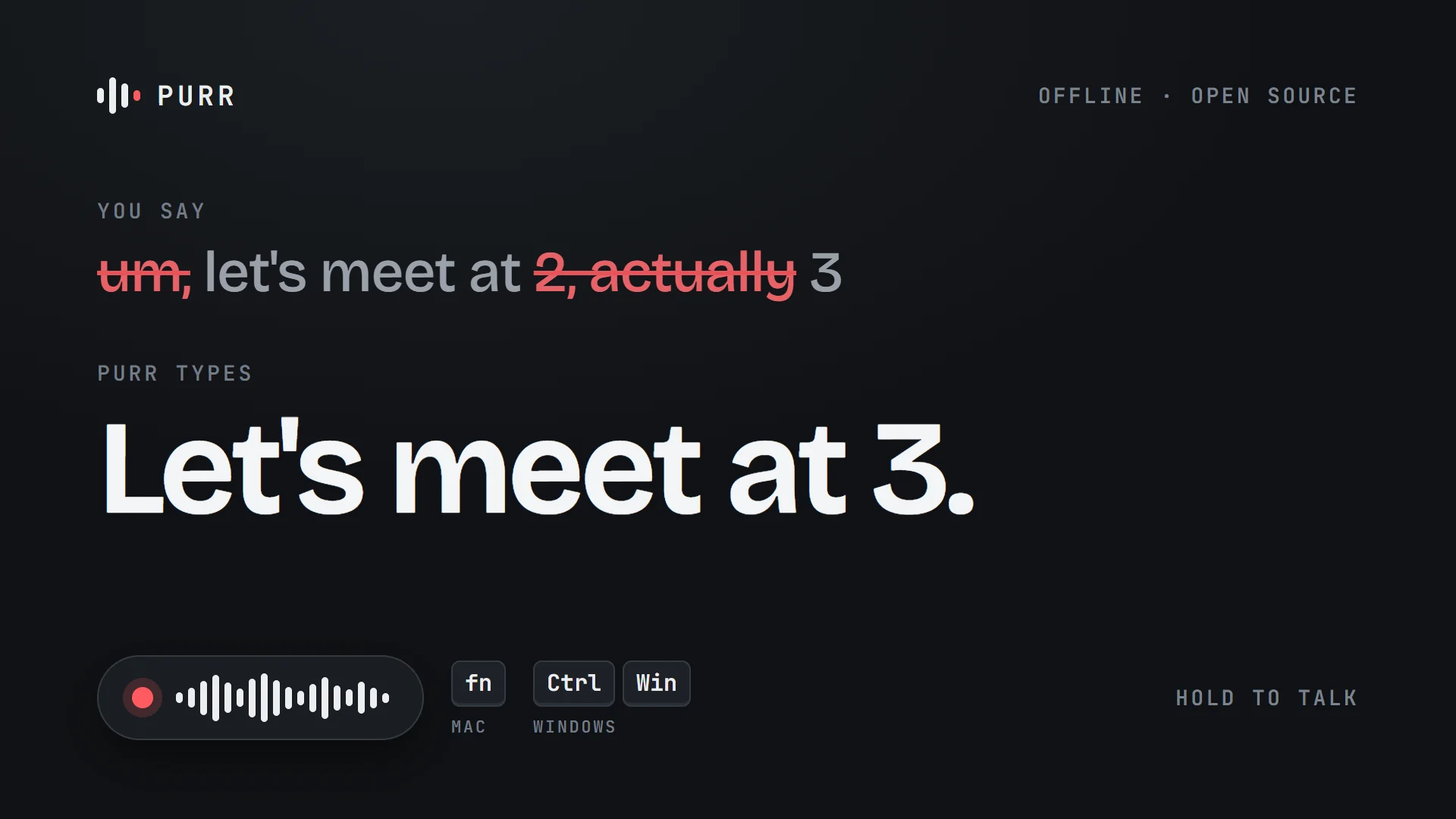
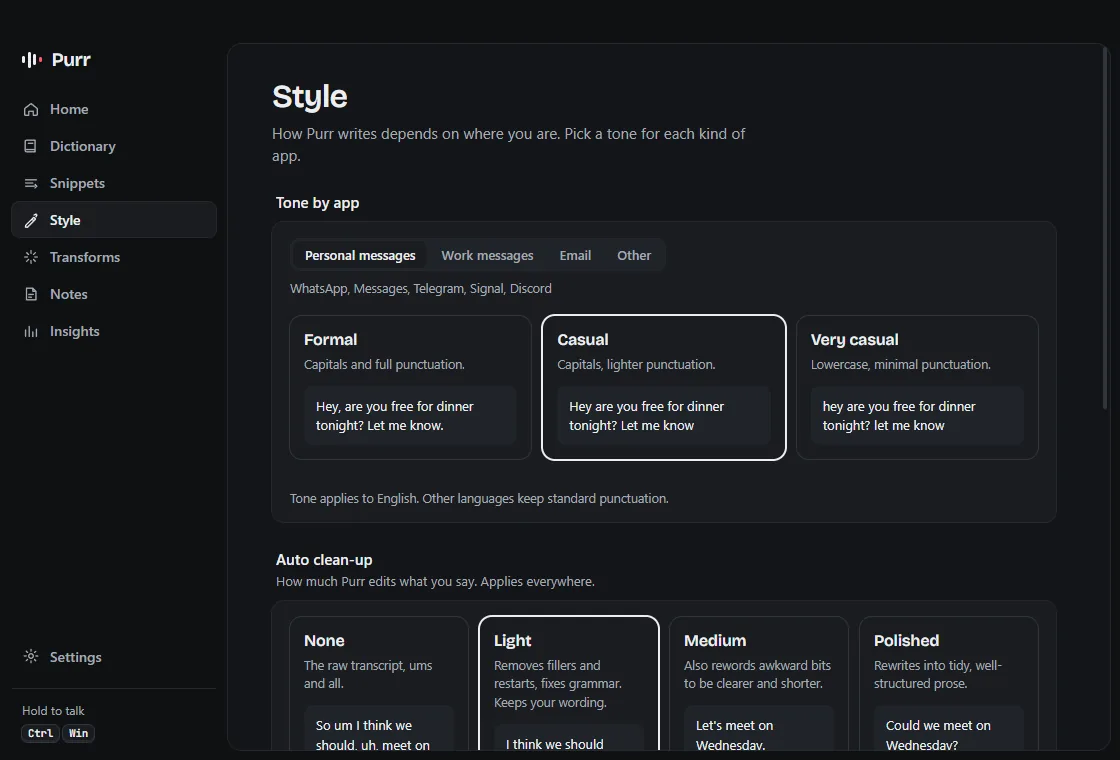
Hold a key, talk, let go: Purr types clean text where your cursor is. It drops the ums, follows your corrections, so “at 2, actually 3” becomes “at 3”, and matches the tone of the app you’re in. It runs fully on your computer, offline, or in the cloud with your own API key.
The problem
Talking is faster than typing, but a raw transcript is full of ums and false starts, and the best dictation apps run in the cloud. I wanted clean text in any app, with the option to keep my voice on my own computer. Purr is an independent project modelled on Wispr Flow’s public features, with none of their code.
Decisions
The transcript is text, never a command.
Early on, asking a question made the model answer it instead of typing it. Now the transcript is always treated as text to clean, and output that reads like an answer gets thrown out in favour of your own words. It can’t catch everything, which I’ll come to.
Rules first, AI second.
Fillers and stutters go instantly, offline; AI clean-up runs on top. If the model is slow or down, you get the rules version instead of waiting.
Your computer or the cloud.
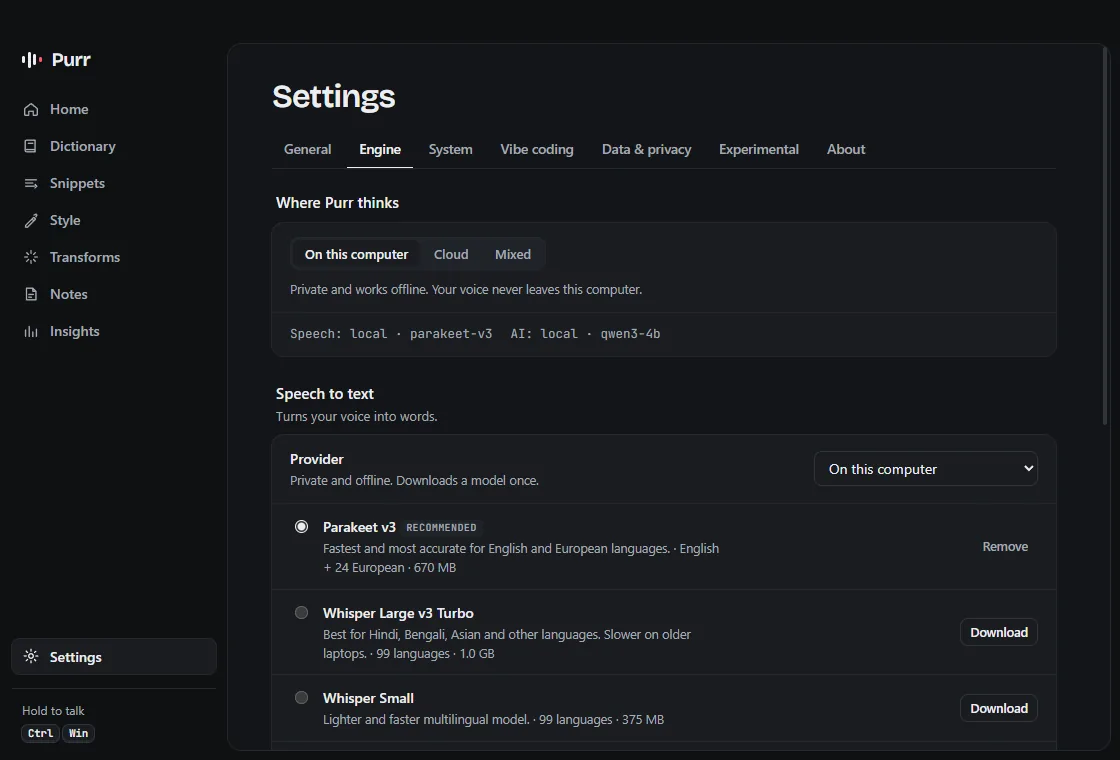
Fully local, your own API key, or a mix. In local mode audio never leaves the machine.
Undo the AI.
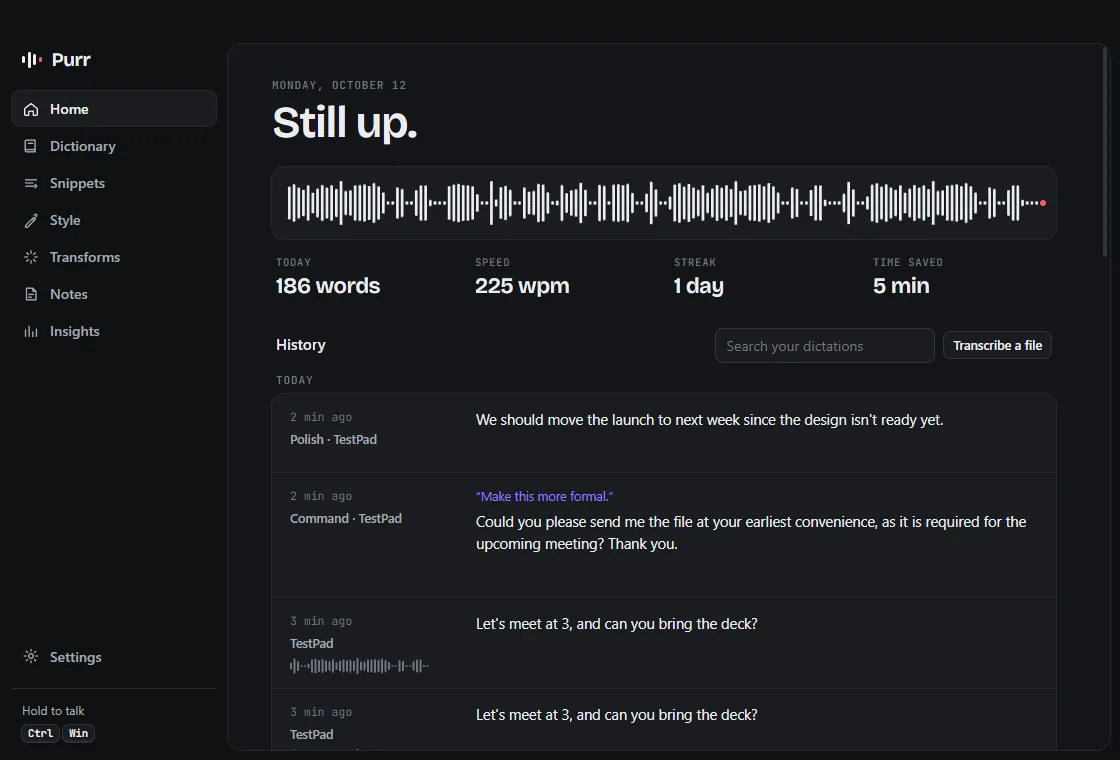
Every AI edit can be undone from History, and you can see what a transform changed.
What went wrong
The failure.
Ask Purr a question and the model could answer it instead of typing it. For a dictation app that’s about the worst thing it can do: you said one thing and it wrote another.
How it was caught.
A tester told me. One feedback form from 3 November just says “it answered”, when they expected it to write what they’d dictated, running locally on Windows.
What changed.
My first guard only threw out answers that ran far longer than what you said, so a short one like “The capital of France is Paris.” went straight through. Version 0.1.3 checks the words too. If a question comes back without the question, or with words you never said, Purr keeps your own words instead.
What still fails.
It can’t catch everything. Answers in other languages can still get through, and so can a question that doesn’t sound like one, like “two plus two is what”. When it’s wrong the other way, you just get your own words with the basic clean-up.
When the AI lets you down
The model is slow or down.
You get the rules version straight away, instead of waiting.
The guard rejects the output.
The plain version goes in instead.
The model loses a saved snippet.
Purr puts it back at the end of the text.
You don’t like an edit.
Every AI edit can be undone from History.
What I tested
23 automated tests cover the text clean-up and the hotkeys, including 16 answers the guard must reject and 37 real clean-ups it must keep. I also put the fix through 306 real runs on the local model. It caught 19 more bad outputs than before and didn’t block a single real clean-up. That was one model, Qwen3 4B, so the cloud models are still untested. An end-to-end test runs real speech-to-text, real AI clean-up and a real paste into a real window, with only the microphone swapped for a recording. Every build also launches itself and runs a self-test.
Inside the app
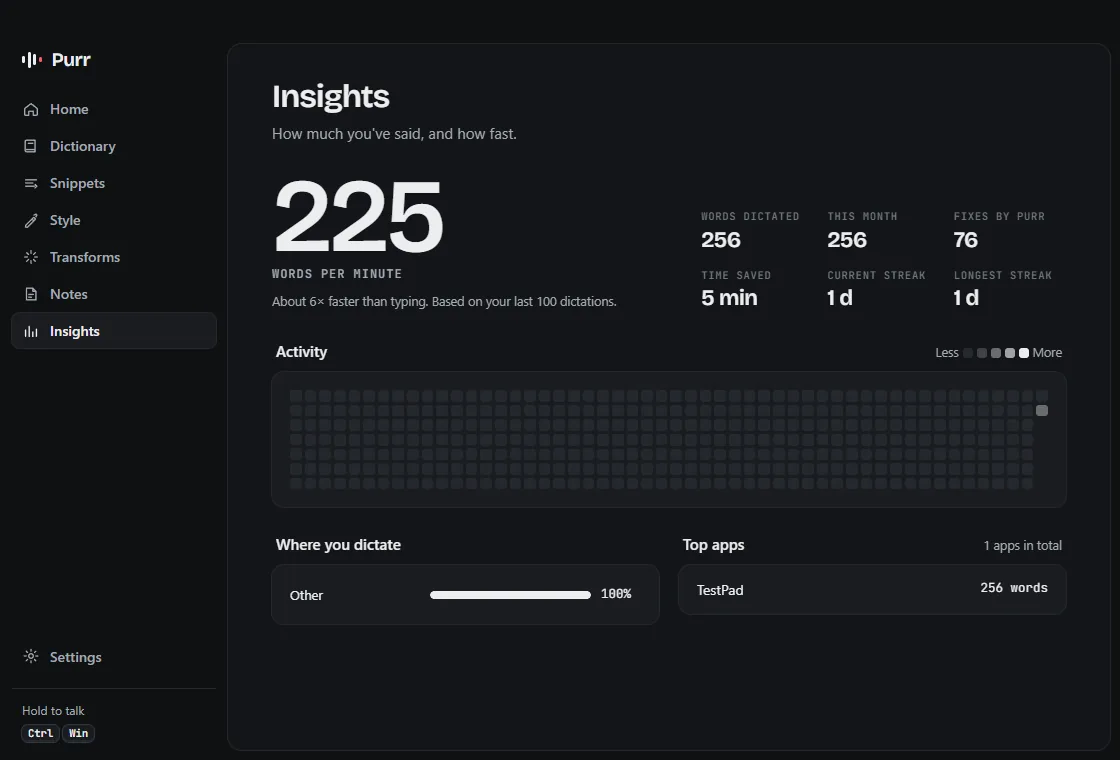
Result
Released as open source on 12 October 2026, for Windows and macOS. As of 7 November: 7 downloads on GitHub and 2 feedback forms. One said it worked perfectly fine. The other is the failure above, fixed in version 0.1.3 on 7 November. It’s small, and I’d rather show you that than round it up.


